Google Play Books
Good for: Store books and your own EPUBs, select a word for a definition.
Watch out: No word list or vocabulary practice.
Android · EPUB reader
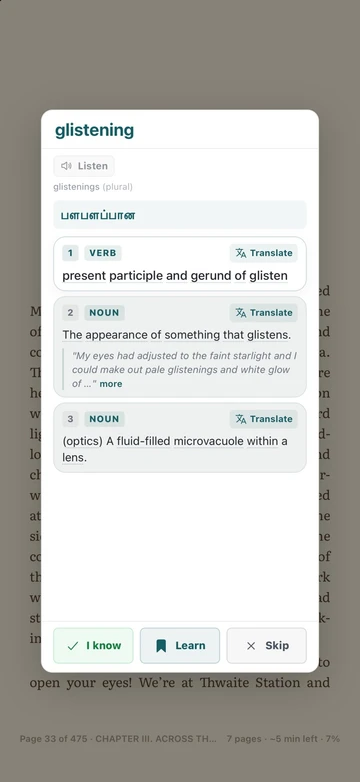
Most Android readers can look up a word if you install the right dictionary app. TeakReader skips the setup: tap any word in your EPUB and its meaning, translation, and pronunciation appear on the page.


Updated
Short answer
If you only need a quick definition, Google Play Books or Moon+ Reader with a dictionary app will do. If you are reading in English to learn, TeakReader is built for it: one-tap meanings with translation, sentence translation, read aloud, and the words you save turned into flashcards. It is free to start on Google Play.
Your options
Good for: Store books and your own EPUBs, select a word for a definition.
Watch out: No word list or vocabulary practice.
Good for: Lots of reading settings; send a word to an installed dictionary app.
Watch out: You set up the dictionary yourself, and saved words stay in another app.
Good for: Built-in dictionary and Vocabulary Builder for Kindle books.
Watch out: Your own EPUBs must be sent through Send to Kindle first.
Good for: One-tap meaning, translation, pronunciation, and word level, plus flashcards and games from the words you save.
Watch out: DRM-free EPUB and free classics only. No store-bought books.
Features of other apps change often, so check the latest version on Google Play.
How it works
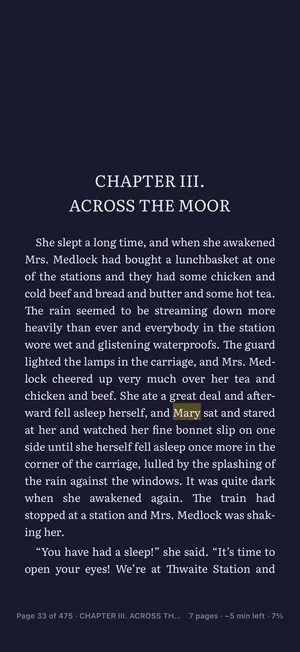
You see the meanings with examples, the pronunciation with a Listen button, the word’s forms, synonyms, and a translation in your language. Tap Learn to save it for review.
Sentences
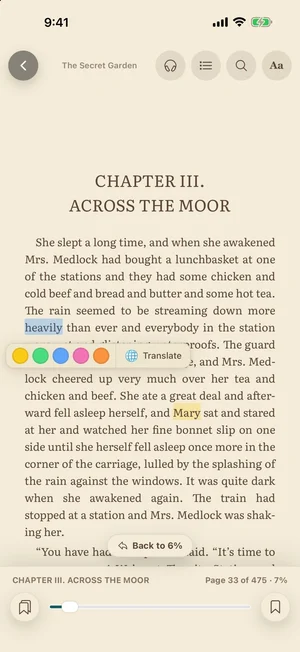
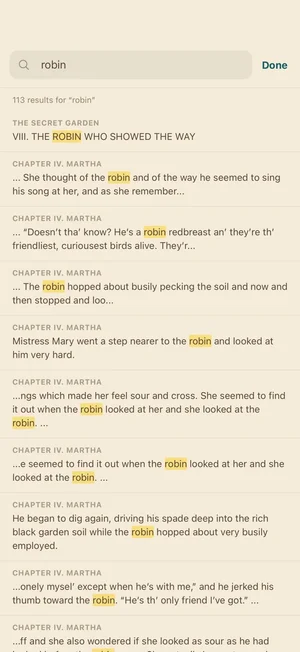
Press and hold to select text. Pick one of five colours to highlight it, or tap Translate. Your highlights and notes are saved to your account and can be shared as a tidy list from the Highlights tab.
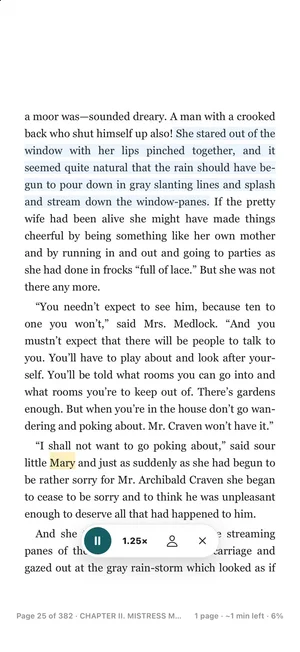
A real e-reader
For learners
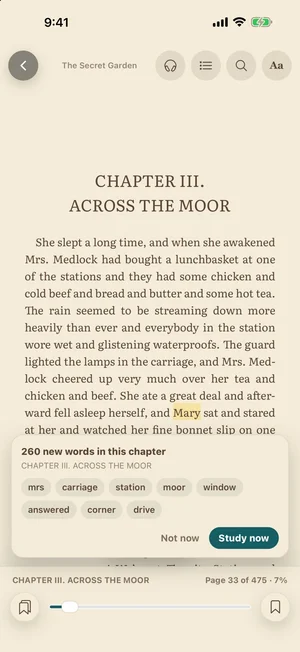
TeakReader knows which words you already know. It shows how much of a book you will understand, previews the new words in each chapter, and tints the words you are learning when they appear again.
Saved words come back in short flashcard reviews and two word games, Meaning Match and Spelling Forge.
FAQ
Google Play Books shows a definition when you select a word. Readers like Moon+ Reader and ReadEra can send a word to a dictionary app you install. TeakReader has its own English dictionary and translation built in, so one tap is enough, with no extra app to set up.
No. Meanings, examples, pronunciation, and translation into more than 100 languages are built in.
Yes. In the Library, tap Upload EPUB and pick the file from your phone, Downloads, or a cloud app like Google Drive. Files up to 150 MB work. DRM-protected books from Kindle or Google Play Books cannot be imported.
Yes. It runs on Android phones and tablets from Google Play.
Downloaded books open and read aloud offline. Word lookups and translation need a connection, unless you download the book’s offline dictionary (a Premium feature).
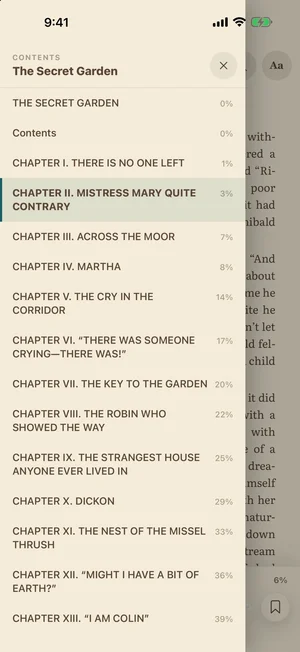
Yes. Back closes the popup, the selection menu, or the settings sheet first, before it leaves the book.
Ready to read
Free to start on Android phones and tablets, and on iPhone and iPad.